BLACK FRIDAY SALE30% OFF every FIGMENT asset and tierDiscounted at checkoutEnds in 6d 23h 59m 59s

Realistic Animated Caustics for 3D and VFX

45 caustics textures simulated through real 3D water — five water types, three styles and three depths, for renderers like V-Ray, Corona, Arnold and Redshift. 2048 × 2048 px, 240 frames, tileable and loopable.

COMPARE CAUSTICS BUY VOLUME 1
Try free sample
before buying

What are animated caustics?

Animated caustics are the shifting patterns of light that moving water throws on whatever sits below its surface. CAUSTICS VOLUME 1 is 45 of them, simulated through 3D displaced water surfaces — refractive, dispersive and reflective, in five water types and three depths. Any light that accepts an animated bitmap can project them, so you render realistic caustics in seconds.

Five caustics packs

Each pack contains a caustics type simulated from a unique water body, so its caustics carry that surface's own wavelength and rhythm.

01 OCEAN
Choppy open-water

Wind-driven chop over deep water, with fine wave driven detail, breaking and re-forming as they move.

02 CARIBBEAN
Gentle tropical swell

Smooth waves over a shallow sandy bottom — a peaceful ocean.

03 LAKE
Calm freshwater ripple

Slow moving lake surface with fine octave detail.

04 SHORE
Lapping near-shore motion

Stretched long waves moving slowly in one direction.

05 POOL
Agitated basin surface

Short, choppy interference from walls close on every side — classic pool motion with fine octave detail.

Styles and depths

Every caustics type includes three styles with three levels each — for a total of 9 per type. Refractive and dispersive read depth below the surface; reflective reads distance from it.

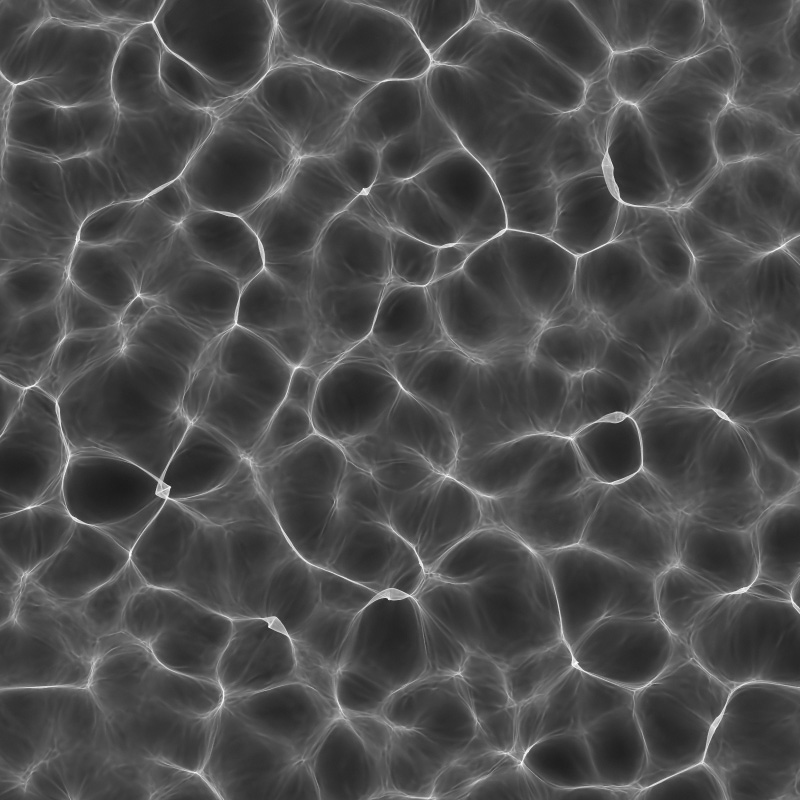
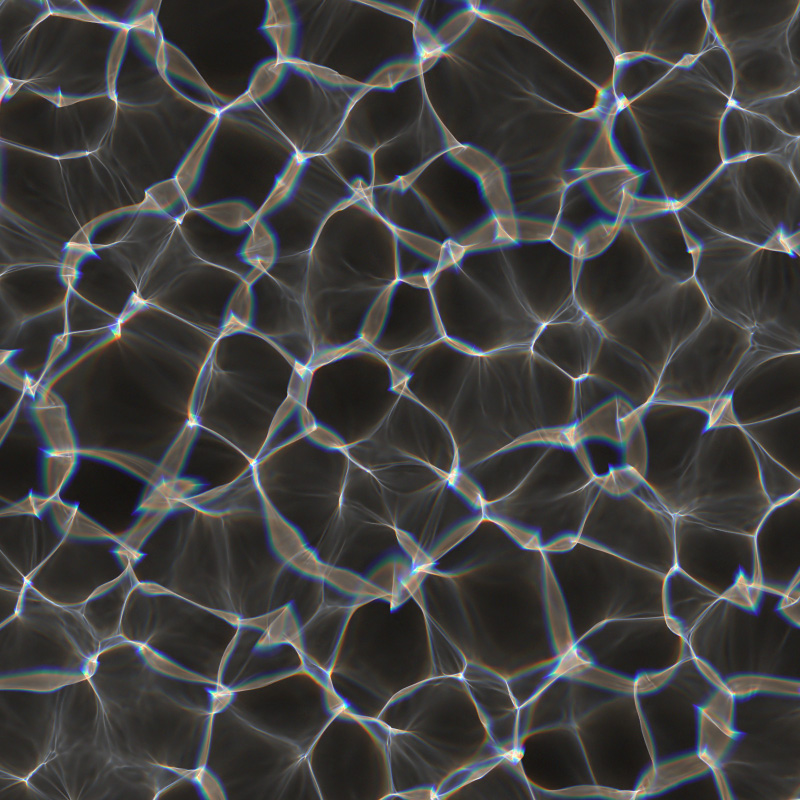
Refractive caustics, shallow
SHALLOW
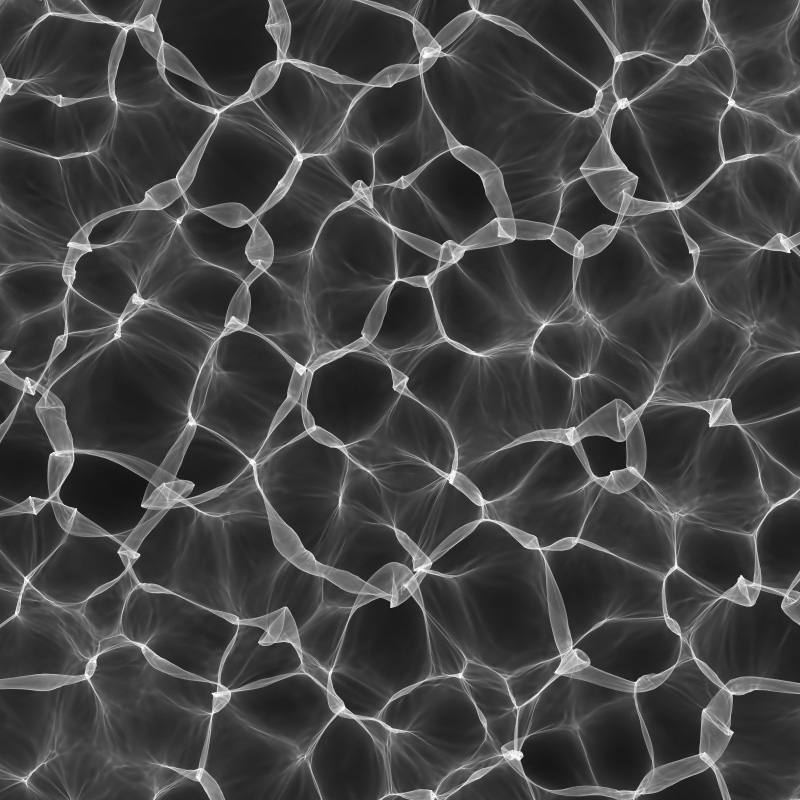
Refractive caustics, deep
DEEP
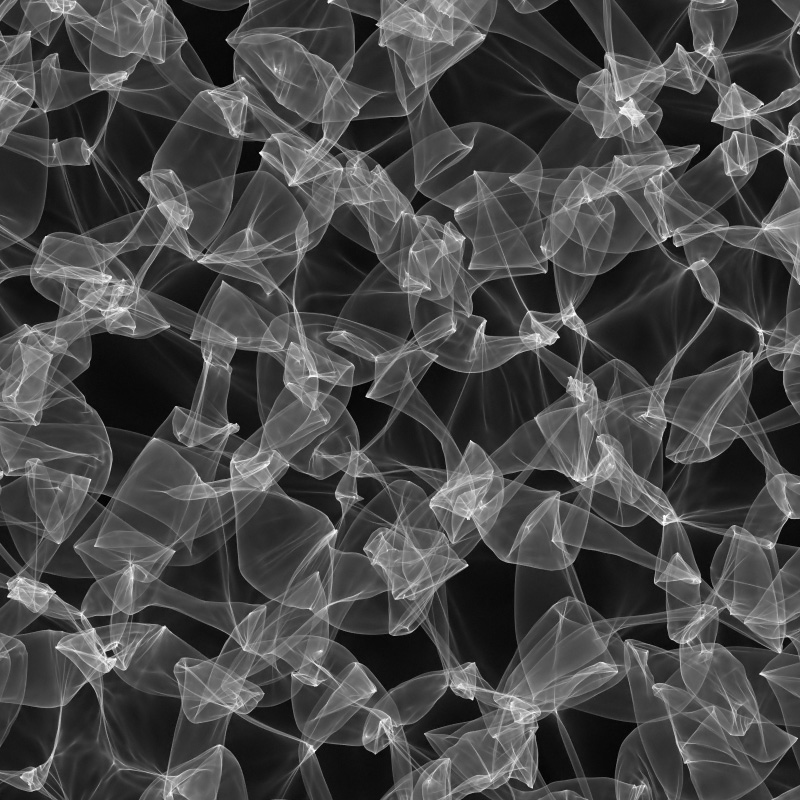
Refractive caustics, abyss
ABYSS
REFRACTIVE
Light bent through the surface

Caustics on a pool floor or sea bottom: sunlight refracted as it passes through moving water and focused into traveling bands. This is the style that most shots are calling for — typically using the DEEP variant.

Level = depth below the surface
Dispersive caustics, shallow
SHALLOW
Dispersive caustics, deep
DEEP
Dispersive caustics, abyss
ABYSS
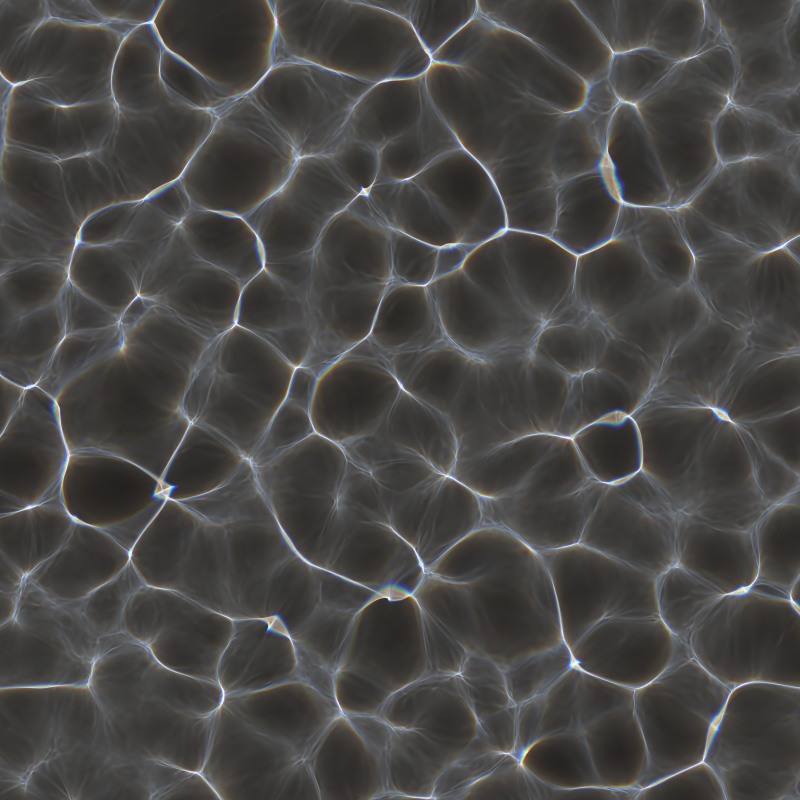
DISPERSIVE
The same light, split into color

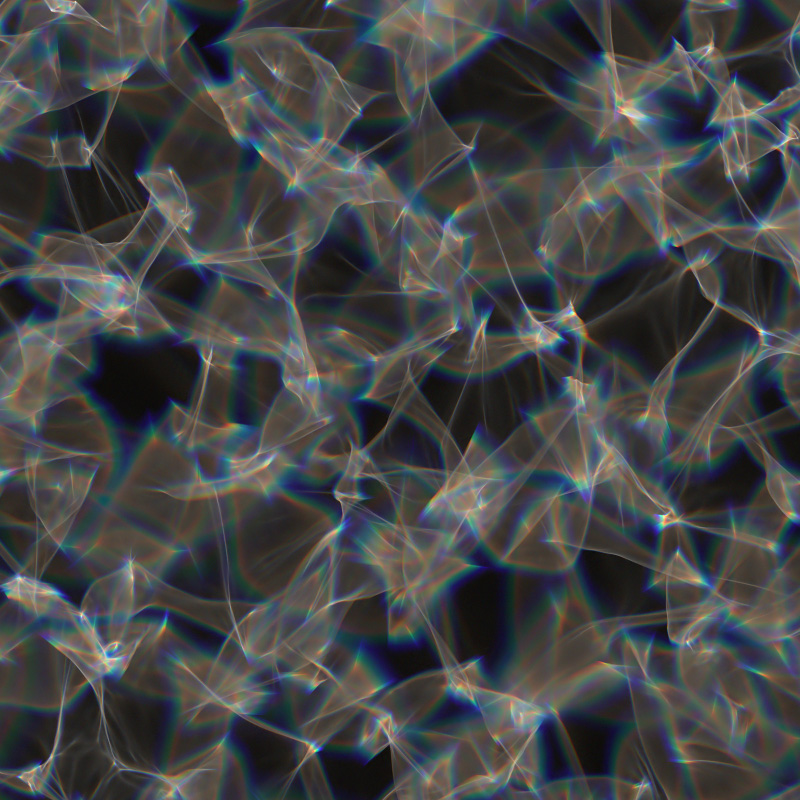
Refractive caustics with wavelength dispersion, so the bands fringe into color at their edges the way real water separates light. Matches the refractive set at every level, so the two are interchangeable inside a shot.

Level = depth below the surface
Reflective caustics, near
NEAR
Reflective caustics, far
FAR
Reflective caustics, distant
DISTANT
REFLECTIVE
Light bounced off the surface

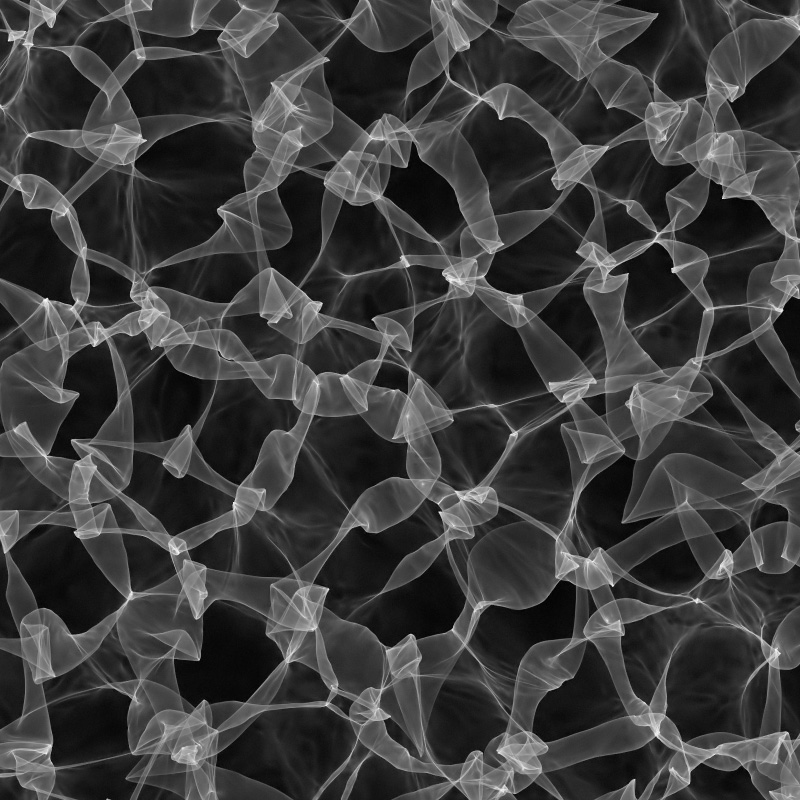
Sunlight reflected up off the water onto a boat hull, a harbor wall or a ceiling. Use these when you need reflected caustics that perfectly matches the timing and motion of their refracted siblings.

Level = distance above the surface

Playback speeds

Every texture is simulated using a slow motion water source across 240 frames. Play every frame for slow motion — and every nth for normal and fast motion.

SLOW
NORMAL
FAST
MULTIPLE SPEED OPTIONS
One texture, three tempos

Play every frame for slow motion, every second for normal and every third for fast — resulting in perfect loops at 240, 120 and 80 frame intervals. Typical use is normal speed, but slow and fast are always just a click away.

Examples with different playback rates

Resolution

2048 × 2048 px across 240 frames for each texture — perfectly loopable and tileable.

Compare every texture at full 2K resolution.

Light projection vs. photon mapping

LIGHT PROJECTION

Caustics maps are pre-rendered animated textures you project through a light source. This removes the need for heavy photon calculations and reduces the render cost of adding caustics to a shot to virtually zero. For swimming pools and large ocean floors this is an extremely efficient solution for quickly populating your shots with realistic caustics.

Use light projection when the caustics are a significant part of a shot — pool floors and walls, underwater scenes, boat hulls, harborsides, ArchViz exteriors.

PHOTON MAPPING

Photon mapping solves caustics mathematically — the renderer traces light hitting a surface and works out where the photons should go, so the pattern matches your geometry. But it requires an animated water surface, and dialing in the look and settings to avoid blinks or splotches in your final render — which can take hours, or even days, to set up — with photon map calculations easily taking up several minutes per frame.

Use photon mapping when your shot includes a water simulation, or a hero object such as a glass of water, that demands matching caustics.

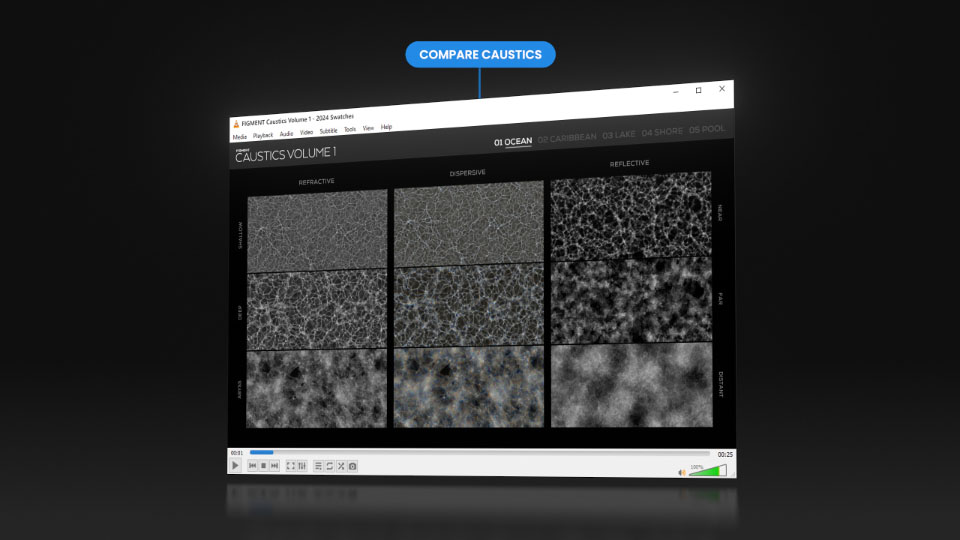
The CAUSTICS Volume 1 swatch video, showing every style and depth side by side for each pack
SWATCH VIDEO
Quickly find the texture you need

A swatch video playing every texture side by side. Compare them at a glance and pick the right caustics for your shot, without opening each one in a RAM player or compositor.

Included with the Volume and every pack

CAUSTICS VOLUME 1

45 animated realistic caustics textures in 2K — perfectly looping and tiling
•5 caustics packs — 01 OCEAN, 02 CARIBBEAN, 03 LAKE, 04 SHORE, 05 POOL
•45 animated textures — nine in every pack
•3 styles per pack — refractive, dispersive, reflective
•3 levels per style — shallow, deep, abyss — or near, far, distant
•2048 × 2048 px — JPEG 8-bit
•Tiles and loops seamlessly — 240 frames each
•3 playback speeds — slow, normal, fast
•Extras — 3ds Max example scenes for V-Ray, Corona, Arnold, Redshift and finalRender + Swatch video
Free sample
One-person business · 1 user
Small business or team · 1–5 users
Large business or studio · Unlimited users
BLACK FRIDAY30% OFF
Discounted at checkout
€99
€299
€799
€150 separately
€450 separately
€1,200 separately
FREELANCE LICENSE · ALL 5 PACKS
TEAM LICENSE · ALL 5 PACKS
STUDIO LICENSE · ALL 5 PACKS
BUY VOLUME 1 BUY VOLUME 1 BUY VOLUME 1
12.5 GB · instant download

Or buy packs separately

9 animated textures per pack

Pack prices follow the license you pick above.
All prices exclude VAT and sales tax — added at checkout where either applies.

Product trailer

Watch the product launch video with rendered examples.

Texture overview

Watch the textures compared in both raw and real world scenes.

Try before you buy

The free sample is a single caustics texture at 512 × 512 px resolution, fully tileable and perfectly loopable, plus the 3ds Max example scenes for V-Ray, Corona, Arnold, Redshift and finalRender. Project it through your own light rig and check that the setup is compatible with your creative software or renderer before you spend anything.

The sample is covered by the Personal license — evaluation and personal work, not client projects; every paid tier includes commercial use. Purchases are final, so try the sample first.

CAUSTICS VOLUME 1BEST DEAL
All five packs, all 45 textures

Five caustics types, three styles, three levels each — 240 frames per texture, all looping and tileable. Save 30% compared to buying each pack individually.

One-person business · 1 user
Small business or team · 1–5 users
Large business or studio · Unlimited users
BLACK FRIDAY30% OFF
Discounted at checkout
€99
€299
€799
€150 separately
€450 separately
€1,200 separately
FREELANCE LICENSE · ALL 5 PACKS
TEAM LICENSE · ALL 5 PACKS
STUDIO LICENSE · ALL 5 PACKS
BUY VOLUME 1 BUY VOLUME 1 BUY VOLUME 1
All prices exclude VAT and sales tax — added at checkout where either applies.

Will the caustics work in your renderer?

YOUR RENDER ENGINE NEEDS TO
1Project an animated JPEG sequence through a light
2Control shadow softness without softening the projection

Confirmed working in V-Ray, Corona, Arnold, Redshift and finalRender — each with its own 3ds Max example scene in the download.

Unsure about your render engine? Try the free sample — if it works in your renderer, so will any texture from CAUSTICS Volume 1.

How to project animated caustics

01
Add the light you are projecting from
A spot or directional light, aimed the way sunlight enters the water. This is the light that will carry the caustics pattern.
02
Load the sequence into the light
Assign a caustics texture to the light's projector or gobo slot and enable image-sequence playback so the frames advance with the timeline. For normal speed set the texture speed to show every 2nd frame.
03
Adjust light source and texture scale
The pattern will only show where the light hits, so move the light further away and adjust its beam angle to cover your scene as needed. The texture likely sticks to the size of your light, so adjust the map tiling in the bitmap loader to match what your shot needs.
04
Experiment with styles and depths
Once your light and texture have a good placement and scene scale, it is easy to switch out the caustics map for another style or depth. Most caustics types have a direction to their movement — if you want to change this direction you can simply rotate the texture, or the light itself.
 
Optional: Add the water surface itself
The WATER Volume 1 displacement maps drive the same five surfaces these caustics were simulated from, so the waves on top and the light underneath agree.
Watch the full setup
Learn how to quickly render FIGMENT caustics with V-Ray and 3ds Max — light setup, projector map, sequence playback and pattern scale, start to finish.
Quickly animate pool caustics
Learn how to quickly render pool caustics as a separate render pass using 3ds Max and V-Ray, and composite everything into a final shot in After Effects.
Watch more FIGMENT tutorials

Licensing

Every product comes in three license tiers. Pick by the size of your organization, then by how many people will have access — you choose on this page, before checkout.

FREELANCE
One-person business
TEAM
Small business or team
STUDIO
Large business or studio
Users per location
1
1–5
Unlimited
Commercial client work
Shared with coworkers
Single caustics pack
9 textures per pack
€30
€90
€240
CAUSTICS Volume 1
5 packs · 45 textures
€99
€299
€799
FREELANCE
One-person business
Users per location
1
Commercial client work
Shared with coworkers
Single caustics pack
9 textures per pack
€30
CAUSTICS Volume 1
5 packs · 45 textures
€99
TEAM
Small business or team
Users per location
1–5
Commercial client work
Shared with coworkers
Single caustics pack
9 textures per pack
€90
CAUSTICS Volume 1
5 packs · 45 textures
€299
STUDIO
Large business or studio
Users per location
Unlimited
Commercial client work
Shared with coworkers
Single caustics pack
9 textures per pack
€240
CAUSTICS Volume 1
5 packs · 45 textures
€799
Not sure which you need?
Freelance is for one-person businesses. Any organization with more than one person starts at Team, even if only one person opens the files.
Already own a lower tier or a smaller product?
Upgrade any time. What you own counts at its current regular price.Contact support
Use it in client work
Film, broadcast, advertising, games and ArchViz — on every paid tier.
Pay once, keep it forever
One payment covers every project. No subscriptions, no royalties, re-download any time.
Not allowed
Reselling or redistributing the files themselves — in another asset pack, template or library. Full license
COMPLETE THE LOOK

Add the water surface with WATER

These caustics were simulated from the same five water surfaces as WATER Volume 1 — same names, same motion — so the waves on top match the light underneath. Add the displacement maps and the surface and its caustics move as one thing.

Full specs, formats and pricing are on the WATER Volume 1 page.

WATER VOLUME 1
10 small-scale animated water maps
5 PACKS

Frequently asked questions

Still unsure about something? Ask me anything

What are animated caustics?
+
The traveling bands of light that moving water throws onto whatever is under or beside it. Each texture is a 240-frame animated sequence you project through a light, giving you realistic animated caustics with very fast render times.
How are these different from a noise map?
+
Noise moves but it does not behave like light through water — bands do not travel, they do not focus, and the result reads as... noise. The caustics textures are simulated by tracing light through an actual displaced 3D water surface at a different depths, so the caustics focus and break the way the real thing does.
Which renderers do these work with?
+
Confirmed working in 3ds Max with V-Ray, Corona, Arnold, Redshift and finalRender. Any render engine needs the ability to project an animated JPEG sequence through a light, advance it with the timeline, and control shadow softness without softening the projection — test it in your own setup using the free sample.
What else can I use animated caustics for?
+
Beyond projecting through a light in a 3D render, they work as an animated texture on a surface, as a pass in compositing and as a light source in Unreal Engine — and projected onto a physical set, for stop-motion or stage work.
What is the difference between refractive, dispersive and reflective?
+
Refractive is light coming through the surface — the pool-floor look. Dispersive is the same light with wavelength dispersion, so the bands fringe into color at their edges. Reflective is light bounced up off the water onto something above or beside it, like a hull, a harbor wall or a ceiling.
What do the depth levels do?
+
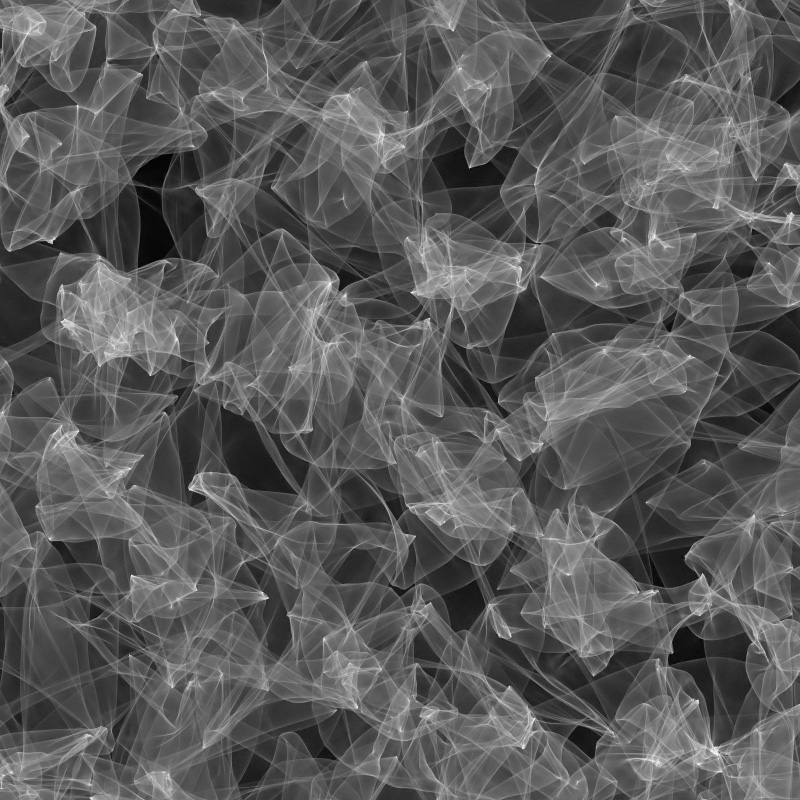
For refractive and dispersive the level is how far below the surface the light lands: shallow gives fine softened bands, deep is wider and sharper, abyss is broad high-contrast pools with more chaotic motion. Reflective works on distance from the surface instead — near, far and distant — as the light is reflected off the surface instead of going through it.
Which type should I pick?
+
By the water body in your shot. Ocean and Caribbean for open water, Lake for still freshwater, Shore for near-shore motion, Pool for an agitated basin. Each was simulated from that surface, so its caustics carry that surface's own wavelength and rhythm.
Can I mix types or styles in one scene?
+
Yes, and layering is common — a refractive pass for the light through the surface plus a reflective pass for what bounces back up. Because every type contains all three styles at all three levels, the two passes always have matching motion.
What resolution and format are the textures?
+
2048 × 2048, delivered as high-quality JPEG, 240 frames per texture. Every texture is fully tileable and loops without a visible cut.
Can I change the speed of the caustics?
+
Yes. The sequences are created for slow motion, so playing every nth frame gives you slow, normal and fast without re-timing or interpolation artefacts.
Do the sequences loop seamlessly?
+
Yes — in time and in space. They loop without a cut and tile without a seam, so one texture covers any shot length and any surface size.
Do these pair with the WATER displacement maps?
+
Directly. The five caustics types were simulated from the same five water surfaces as WATER Volume 1 and carry the same names, so the waves on top and the light underneath come from one source.
Is there a free sample?
+
Yes — one full caustics texture, 240 frames, tiling and looping, at 512 × 512 px, plus the 3ds Max example scenes for V-Ray, Corona, Arnold, Redshift and finalRender.
Can I buy just one pack?
+
Yes. Every caustics pack is sold on its own — see What’s inside above for everything each pack includes. CAUSTICS Volume 1 — all five packs — saves 30% compared to buying each pack separately.
Can I use these in commercial client projects?
+
Yes, at every license tier, with no per-project fees or royalties. However, sharing the files with a client is not permitted — they need their own license. And reselling the assets as part of another asset pack is not permitted.
Can I render on a render farm or cloud service?
+
Yes, at every tier — including a commercial farm. Sending the assets to a farm as part of your scene is ordinary use and needs no extra license.
Which license do I need — Freelance, Team or Studio?
+
Freelance is for one-person businesses. If you work at a company, even as the only artist using the files, choose Team for up to 5 users per location, or Studio for 6 or more. Schools and institutions are licensed the same way.
Can I upgrade later?
+
Yes — to a higher license tier, or to a larger product that includes what you own, such as the Volume that holds your packs, or the Asset Collection. What you own counts at its current regular price, whatever you paid for it, and you pay only what’s left of the new price. Email me at support@figment.dk.

Related products

Prices exclude VAT and sales tax. Where either applies, it’s added at checkout and included in the total you see before paying. Questions? support@figment.dk
© 2008–2026 FIGMENT. All Rights Reserved.