
Animated Water Displacement Maps for 3D and VFX
Realistic animated water for V-Ray, Corona, Arnold and Redshift — no simulation needed. Five water types in two scales, mono and vector maps, every one a 240-frame loop that tiles seamlessly.
Water displacement maps are animated greyscale sequences that drive the height of a flat surface, creating realistic moving waves without a fluid simulation. WATER VOLUME 1 and VOLUME 2 hold five water types each, at two scales, and every map is a 240-frame loop that tiles seamlessly — in any renderer that supports animated displacement.
The Volumes differ in coverage — how much water one tile of the map spans. Pick by how close the camera gets to the water.
Every texture ships as both a mono map and a matching vector map, and Volume 2 adds a set of blending masks. Here is what each one does.
A greyscale height map. Simplest setup — geometry rises and falls, giving you perfect looking water, but any texture mapped on the water will slide through it.
The same motion affecting geometry in all three axes. Textures travel with the wave instead of sliding through it — useful for seafoam, duckweed, an oil spill.
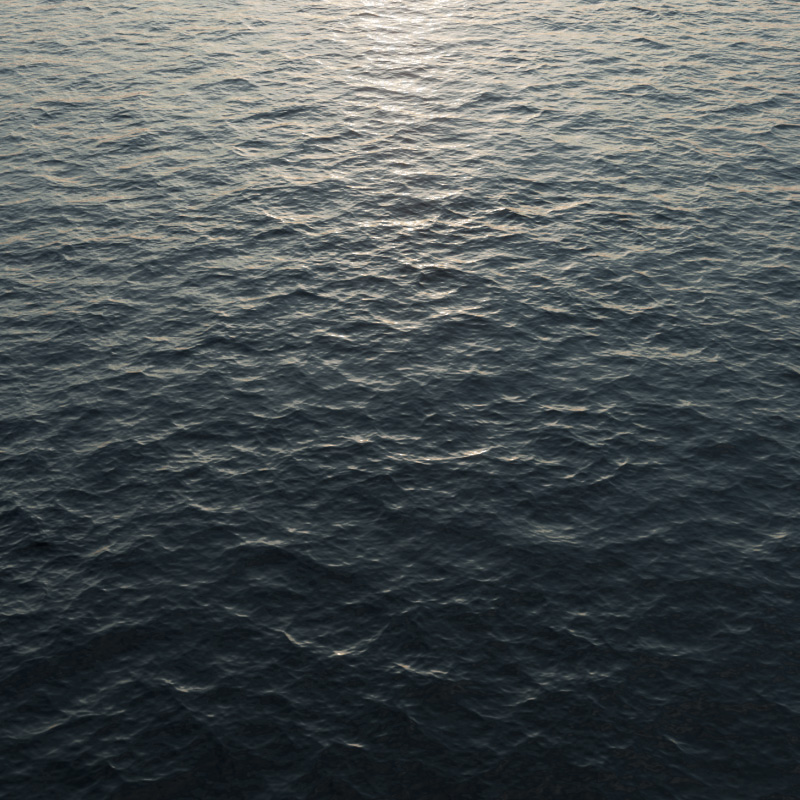
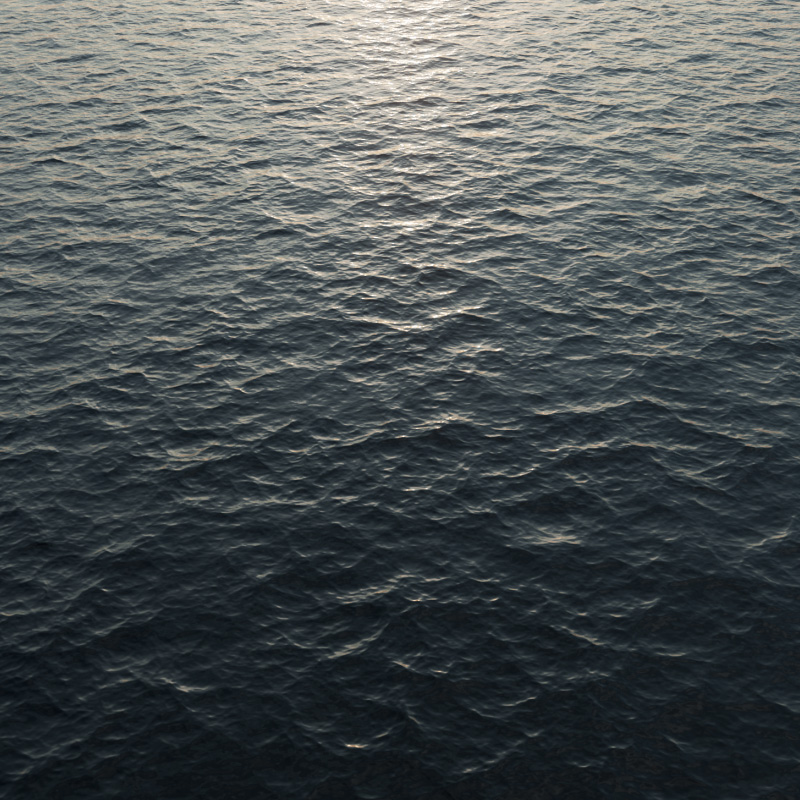
Fifteen greyscale masks that can be used to blend in the same texture at a different time, UV and scale offset, blend two — or more — water types across one surface, or simply suppress the wave height in areas to make the water body look more realistic.
Every water map is created in slow motion across 240 frames. Play every frame for slow motion — and every nth for normal and fast motion.
Play every frame for slow motion, every 2nd for normal and every 3rd for fast — resulting in perfect loops at 240, 120 and 80 frame intervals. Typical use is normal speed, but slow and fast are always just a click away.
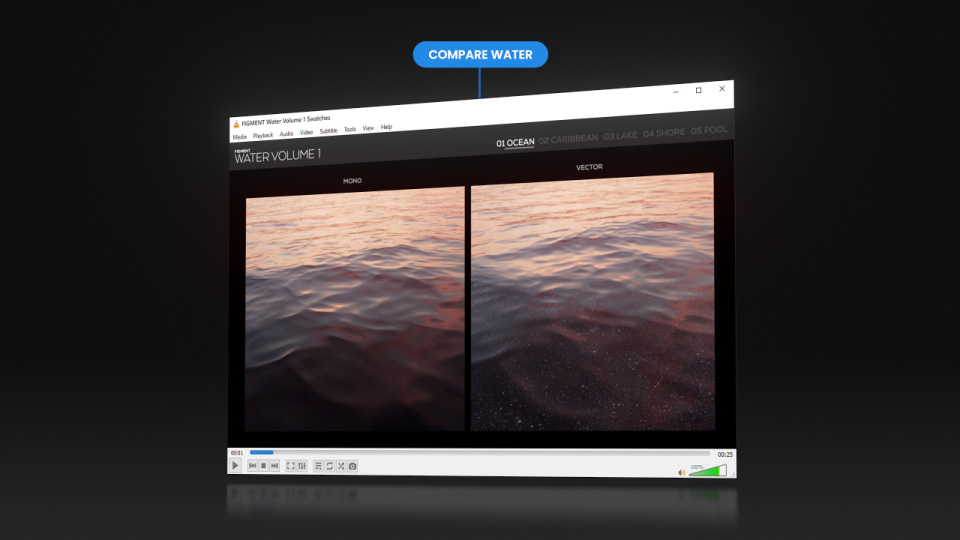
Each Volume and pack comes with a swatch video featuring rendered examples of each water type. Compare them at a glance and pick the right water for your shot, without opening each one in a RAM player, or compositor, and having to guess how it could look.
1 mono + 1 vector map per pack
Watch how the water looks and moves in finished, rendered shots.

All five water types compared, one after another.
1 mono + 1 vector map per pack
Watch how the water looks and moves in finished, rendered shots.
All five water types compared, one after another.
Both Volumes have a free sample: one mono and one vector texture in each, all at 512 × 512 px, plus the 3ds Max example scenes for V-Ray and Corona. The mono textures include 240 frames and tiles and loops; the vector texture is capped at 120 frames and tiles, but does not loop. Try the samples in your own workflow before you spend anything.
A displacement map drives surface height from a pre-rendered animated texture. There's no solve and no simulation time — with the advantage of instant results in your viewport, and a fast and simple rendering workflow. The trade-off is that the water doesn't react to anything in your scene, but simply moves as dictated by its map.
Use displacement maps when you need believable water surface across a shot — establishing shots, environments and ArchViz exteriors.
A fluid simulation solves water motion from physics — accurate, and the right tool when water interacts with objects or breaks over geometry, but can be extremely costly in time spent dialing in parameters and waiting for sims to complete, as well as dealing with large cache files that need to be stored for final rendering.
Use simulation when water interacts with objects, or a specific event has to happen at a specific frame.
Every product comes in three license tiers. Pick by the size of your organization, then by how many people will have access — you choose on this page, before checkout.
CAUSTICS Volume 1 has a caustics texture built for every water type in Water Volume 1 — same names, same motion, so the light under the surface matches the waves on top. Volume 2 pairs too, via a free After Effects script that breaks up the repetition.
Still unsure about something? Ask me anything