BLACK FRIDAY SALE30% OFF every FIGMENT asset and tierDiscounted at checkoutEnds in 6d 23h 59m 59s

Find Missing and Corrupted Frames in Image Sequences

A free Python script that scans a folder and its subfolders for image sequences and lists every missing or corrupted frame, ready to paste into your 3D app to re-render. Windows 10 and 11, Python 3.7+.
PRODUCT DETAILS FREE DOWNLOAD
Donations
welcome

MISSING FRAME DETECTOR

Quickly scan folders + subfolders, and get a list of missing and corrupted frames
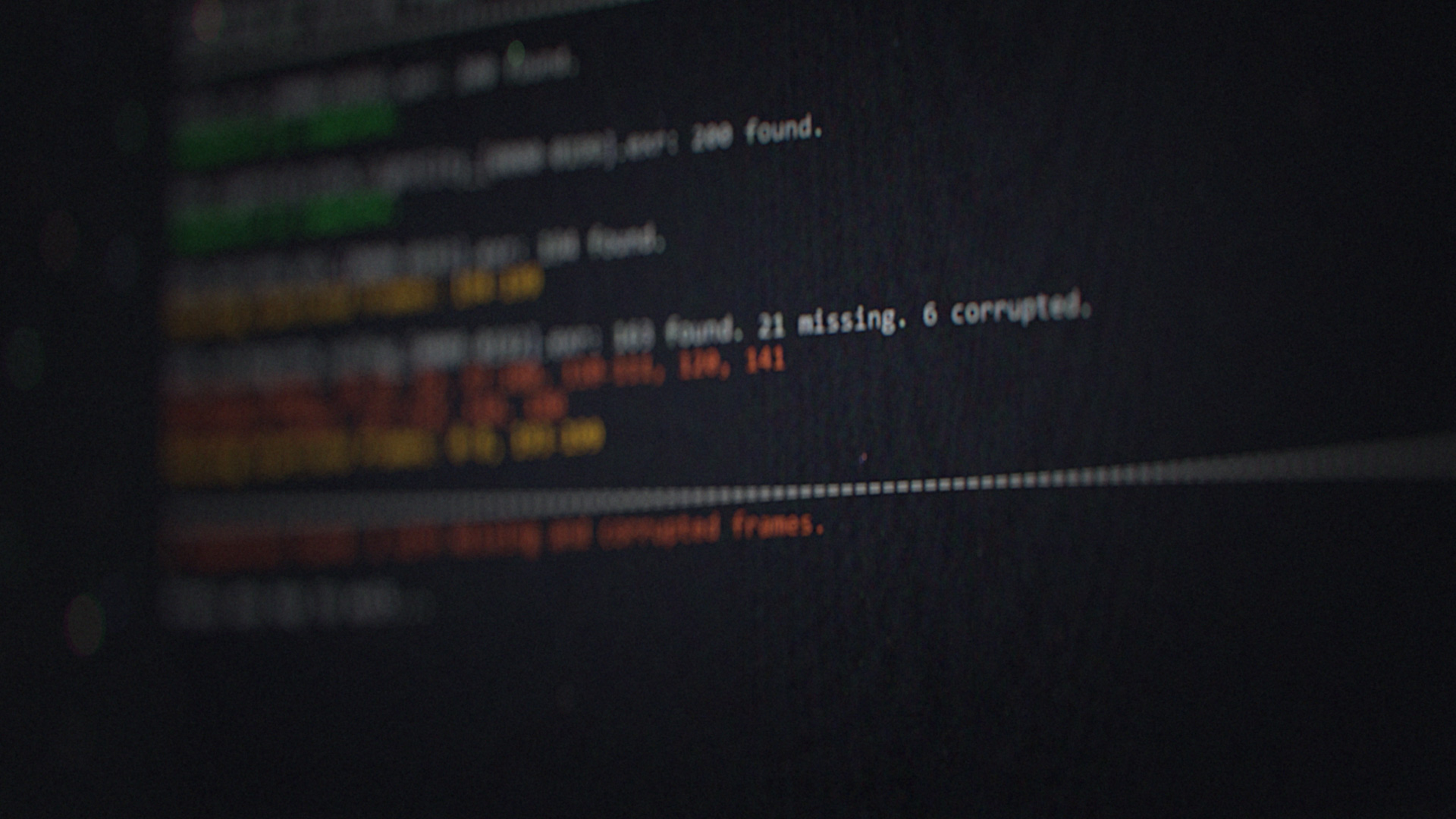
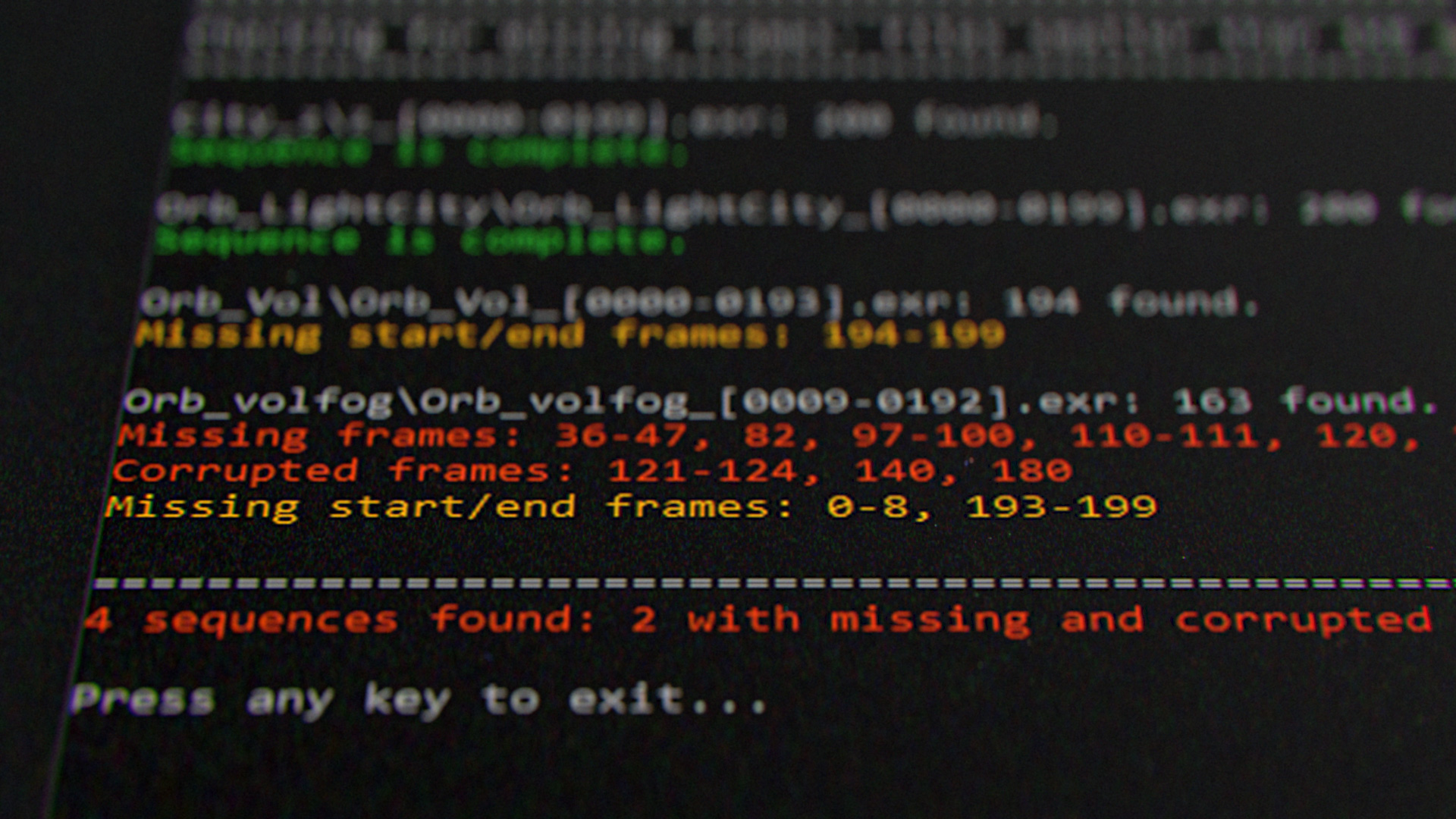
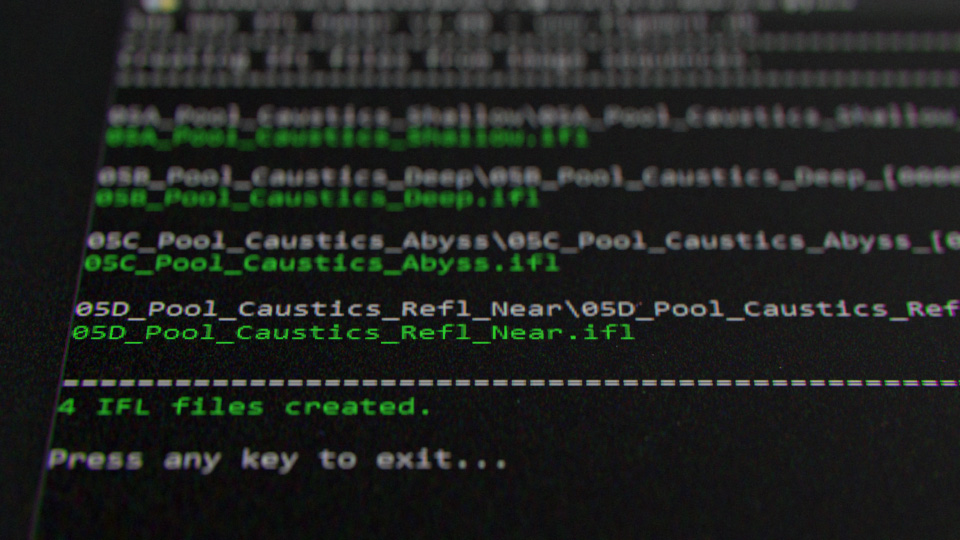
MISSING FRAME DETECTOR reporting missing and corrupted frames
•Missing frames—finds the gaps in each sequence's frame range
•Every subfolder—scans the working folder and all folders under it
•Corrupted frames—flags files under a size threshold — 1 KB by default
•Start/end frame warning—compares sequences for missing first or last frame
•Common image formats—.exr, .png, .jpg and more, set in the config
•Color-coded results—green for complete, amber for warnings, red for errors
•Frame ranges to copy—copy/paste results into your 3D software to re-render

Built with AI

€0+
donations welcome
COMMERCIAL USE INCLUDED
FREE DOWNLOAD
5 KB · instant download
Free to download, or pay what you like. VAT and sales tax are added to any amount you choose, at checkout where either applies.

How to install and use

01
Put the script with your sequences
The download holds a single Python file, _MissingFrameDetector.py. Place it in a folder that holds sequences — or folders with sequences: it scans that folder and every folder inside it recursively.
02
Run the script
Double-click the script to run it (requires Python 3.7+). The results are color-coded: green for complete, amber for warnings, red for errors. You should get a list of every sequence it found, with any missing or corrupted frames flagged.
03
Re-render what is flagged
Note down any ranges you want to check, or highlight the missing or corrupted frame ranges directly in the console window before pasting them into your 3D software for re-rendering.
Nothing recorded yet
Request a tutorial
What do you want to see?
I haven’t recorded a MISSING FRAME DETECTOR tutorial yet. Telling me what you'd like to see helps decide what I spend my time creating next — so if a walkthrough would help you, let me know what it should cover.
Watch more FIGMENT tutorials

Technical specifications

Requirements

Operating system
Windows 10 or 11
Python
3.7+

Version history

v1.0
2025-12-02
  • Initial release.

Frequently asked questions

Still unsure about something? Ask me anything

How does it know a frame is corrupted?
+
By file size: any frame under the threshold is flagged, 1 KB by default. The script can only work with what it finds — it cannot tell whether a frame is actually corrupted, or just smaller than the threshold.
Can I change the corrupted-frame threshold?
+
Yes. Edit the config section of the script in any text editor. If complete frames average around 6,000 KB and broken ones sit at 4,000 KB or less, a threshold of 4,500 KB flags every broken one.
Which file types does it check?
+
.exr, .png, .jpg and other common image formats. Add or remove extensions in the config to widen or narrow the search — it can even be set up to look for gaps in numbered .pdf or .txt files.
Why not just check in After Effects or Nuke?
+
You can, by manually stepping through every frame of every sequence — but if you're rendering hundreds, or even thousands of frames, it becomes tedious and slow work. In comparison, this script takes seconds to run across dozens of folders, and (hopefully) gives you just the information that you need.
Is it safe to run a Python script?
+
Only run a script from a source you trust. This one is plain text: open it in any text editor and read every line first, or paste it into an AI and ask what each part does. It reads your folders and lists what it finds.
It's free. How can I support it?
+
Pay what you want when you download it, or come back once it has saved you an evening and buy me a coffee. Leaving a rating or review on Gumroad helps too. Either way, the script stays free.

Related products

Prices exclude VAT and sales tax. Where either applies, it’s added at checkout and included in the total you see before paying. Questions? support@figment.dk
© 2008–2026 FIGMENT. All Rights Reserved.